Bingo games for vocabulary review
November 10, 2026 · par mindofmike
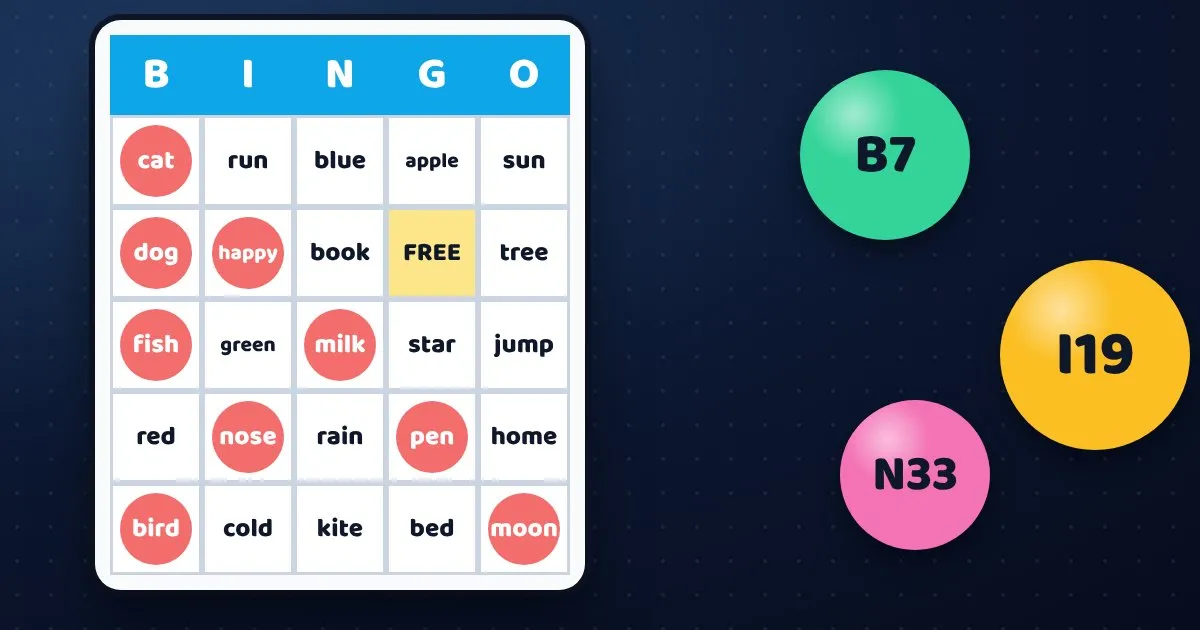
Bingo works because everyone has something to do the whole time. Every student listens, thinks, and checks a card. That makes it a good fit for vocabulary review, when you want the whole class involved and not just the few who put their hands up.
Setting it up
Add the words from your unit to the bingo card maker. Add more words than there are squares on a card so that the cards come out different. Choose a 3×3, 4×4 or 5×5 card, decide whether to have a FREE space, and print one for each student. Younger students do well with 3×3, and older ones with 5×5.
Four ways to play
1. Call the meaning, not the word
Instead of reading the word, read its meaning or an example sentence. Students have to work out which word it is and mark it. The card has the words, but the thinking is all theirs.
2. Hide the screen
In Present mode you can choose what the screen shows: words, pictures, a meaning, or nothing at all. Choose nothing and students must listen. This is a good listening exercise for language learners.
3. Pictures for younger students
Cards can show pictures instead of words, or both. Young learners match what they hear to a picture, and nobody needs to read.
4. Students call the words
Let a student run Present mode and press Next. They get to read each word aloud, and the class gets a new voice to listen to.
Keep it fair
Because every card is laid out differently, there will not be 20 winners at once. Decide in advance what counts as a win: a line, four corners, or a full card. Playing for a full card makes a longer game that reviews every word.
Make it a themed day
The maker has nine looks, including Halloween and Christmas. A themed card makes a holiday lesson feel like a party, but the practice is still the same.
The bingo card maker is free to try, and you can print the cards or save them as a PDF. When you are ready, open the bingo maker.